Write a bug report that someone else can reproduce
Turn an unexpected result into a concise report with a clear scenario, synthetic example and useful evidence.

Turn an unexpected result into a concise report with a clear scenario, synthetic example and useful evidence.
Make the title describe the symptom
A title such as “IBAN copy adds spaces in the import field” gives a reviewer more to work with than “Generator broken.” Name the affected tool and the visible result. Keep suspected causes in the description so the report does not assume an explanation before anyone has investigated it.
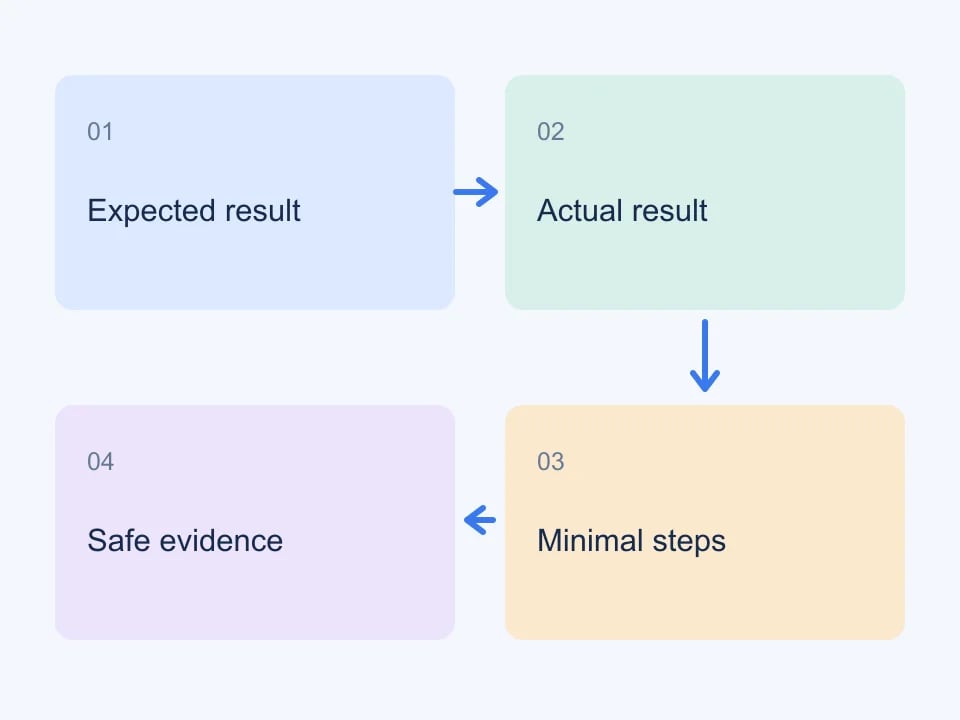
Separate expected and actual behavior
Describe what you expected, what happened and why the difference matters to your workflow. If a validator reports a warning, copy its wording exactly. A format-valid IBAN does not establish that a bank account exists, so distinguish a checksum problem from an unsupported national check or an external payment rejection.
Reduce the reproduction to a short sequence
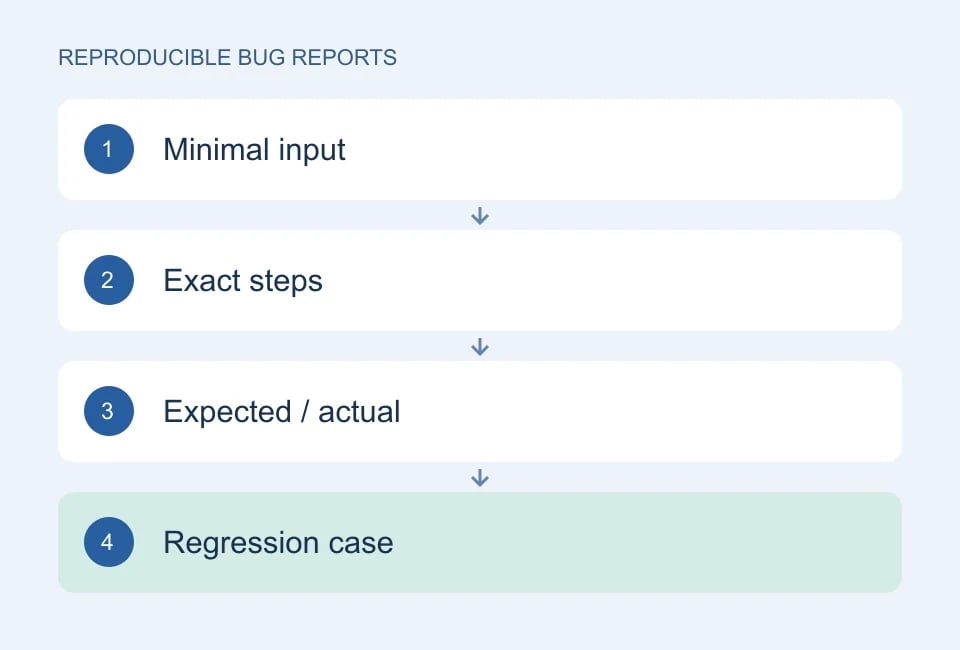
Start from a known page, specify the country or option selected, then list the action that reveals the issue. Remove steps that do not affect the result. State whether it happens every time, after a refresh or only after changing settings. A small deterministic example is usually more useful than a large random export.
Include context that changes the result
Mention the browser, device size and approximate time. For an account or allowance issue, include the plan shown in your dashboard. Do not include a password, session cookie or API key. If a request failed, its status code and a safe error message are useful; a full network dump may contain credentials and is rarely necessary.
| Include | Leave out |
|---|---|
| Tool and selected options | Passwords or API secrets |
| Synthetic example | Customer records |
| Exact error text | Unrelated browser history |
| Small reproduction | Large unexplained data dumps |
Attach evidence with a purpose
A screenshot can show a clipped dropdown or an unexpected status. A short plain-text example can make a parsing issue reproducible. Remove unrelated personal information first. Dashboard bug reports accept supported screenshots or plain-text files up to 2 MB, with a maximum of three attachments per report.
Worked example: a postal code loses its first zero
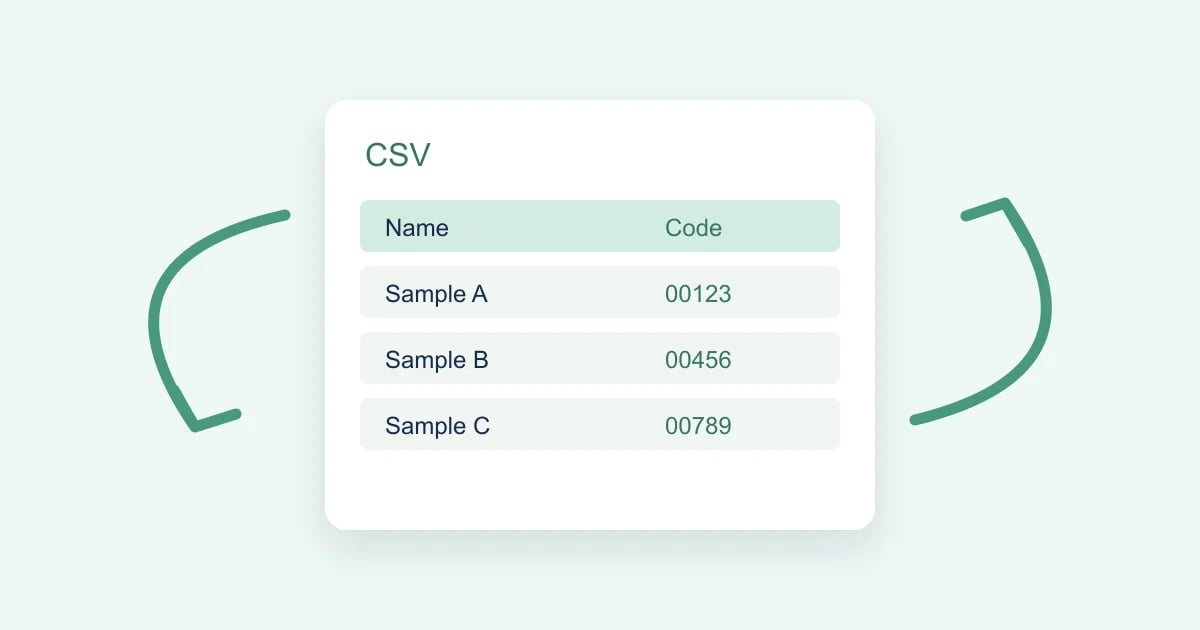
“The export is broken” leaves too many possibilities open. A stronger report names one visible failure: a postal code entered as 00123 appears as 123 after import. Even this does not yet prove that the exporter is responsible. The file might contain the correct text while the importing application converts it to a number. A useful report narrows that boundary with evidence another person can reproduce.
Record the relevant environment
Begin in a known state and record the relevant environment: tool page, chosen country or mode, browser version, device width if layout is involved, and the destination application for an export issue. You do not need a complete hardware inventory for a text-conversion bug. Include only the settings that can change the outcome. State whether the problem happens consistently or only with a particular input.
Reduce the example
Reduce the input to one synthetic row. Write the steps as actions that a colleague can actually perform: open the page, choose the stated options, export, select the importer settings, and inspect the cell. Separate your expectation from the observation. “Expected five characters including the leading zeros; observed three characters” is more actionable than “looks wrong.”
Find the first changed value
Inspect the intermediate file before assigning a cause. If the raw CSV contains 00123 but the imported cell contains 123, include both observations. If the raw file already contains 123, the failure occurred earlier. Capture a small relevant excerpt and a screenshot of the importer settings. Remove private data and secrets from screenshots, filenames and logs before sharing them.
Change one setting at a time
Try one controlled comparison. Import the same file with the column explicitly set to text, or compare CSV with JSON if both formats are available. Record the result as a clue, not a fix you have proven for every environment. Change only one relevant setting at a time; changing country, browser, export format and import mode together produces a comparison that is difficult to interpret.
| Report field | Example |
|---|---|
| Title | Postal code loses leading zeros during spreadsheet import |
| Input | One synthetic row containing postalCode 00123 |
| Expected | The imported field remains the string 00123 |
| Observed | The displayed and stored cell value is 123 |
| Boundary evidence | Raw CSV retains 00123; automatic import converts it |
| Control | Importing the column as text preserves all five characters |
A good report shows where the expected value and the observed value first diverge.
Make the report useful after the first reply
Attach the smallest reproducible fixture and give it a descriptive name. If you cannot share a file, include the relevant synthetic values directly in the report. Avoid attaching a full production export “for context.” A short example is easier to review, easier to turn into a test and less likely to expose information that is unrelated to the defect.
When someone proposes a fix, repeat the original steps before trying broader variations. Record the application version and whether the expected outcome now occurs. Keep the old failing input as a regression case. If you discover a second issue during retesting, describe it separately rather than changing the original report until it covers several unrelated problems. That keeps both the implementation decision and the evidence understandable.
For a related worked checklist, read CSV export testing. Genory’s contact page explains where to send reports and which details to include; never include passwords, API keys or real payment data.
Follow the conversation
Open Dashboard → Bug reports to read replies and track Open, In Progress or Done status. Add new evidence to the existing report instead of creating a duplicate. Notifications make progress visible in the dashboard. If a fix does not solve your original reproduction, reply with the remaining steps and observed result.
Continue with Genory tools, review documentation, or open your dashboard.