Build a focused localization test matrix
Choose representative scripts, field lengths and address formats, then test storage and layout independently.
Choose representative scripts, field lengths and address formats, then test storage and layout independently.
Coverage starts with differences
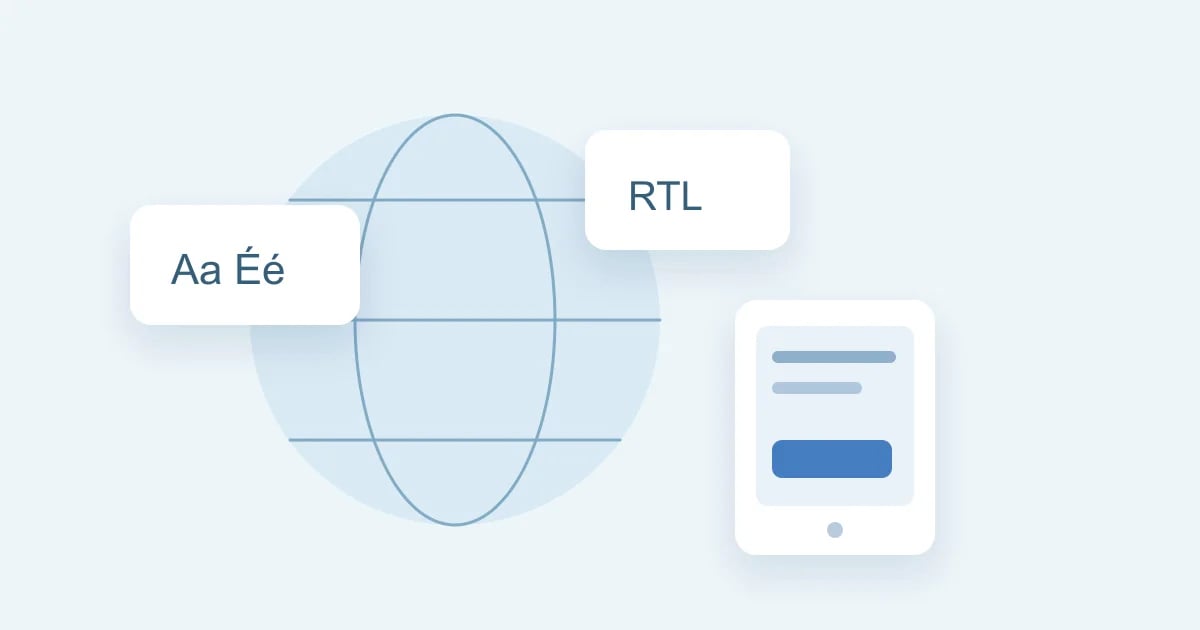
A country list is not a complete localization test strategy. Choose cases that expose meaningful differences: long names, non-Latin scripts, right-to-left text, accents, optional postal fields and varied telephone formats. Start with a compact matrix so each case has a clear reason to exist. Expand it when a new user workflow reveals a gap.
Separate a profile locale from interface language
A synthetic profile can use a particular locale while the surrounding interface remains English. Test those as separate concerns. Country-specific examples should not silently change date parsing, decimal interpretation or application language unless that behavior is part of the product specification.
Check the storage boundary
Pass a synthetic value through input, API serialization, persistence and retrieval. Compare what returns with the original value under your application’s normalization policy. A character may use more than one code point, and a visible emoji can be a sequence. Avoid equating a JavaScript string length with a count of visible symbols.
Inspect the narrow layout
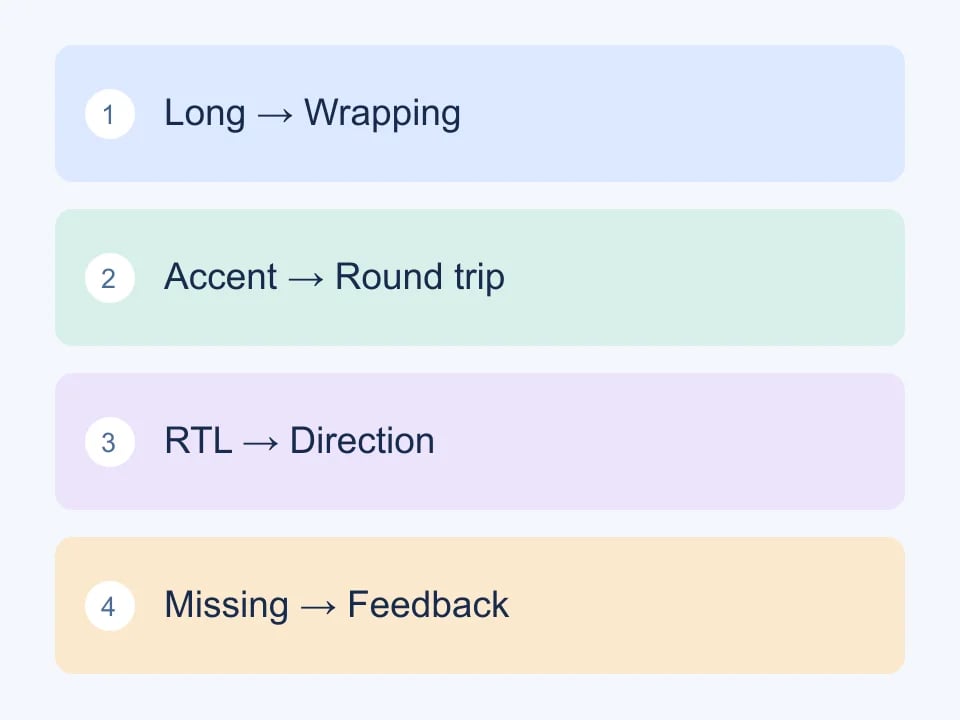
Use a phone-sized viewport and a long unbroken identifier as well as ordinary prose. Check that buttons remain reachable, labels stay associated with their inputs, and result panels do not force the whole page to scroll sideways. Tables can have their own horizontal scroll when comparison requires fixed columns.
| Case | Main risk |
|---|---|
| Long name | Truncation or overlap |
| Combining accent | Normalization mismatch |
| Right-to-left text | Direction and punctuation |
| Missing postal value | Incorrect required-field assumptions |
Respect partial reference data
Generated address fields are not proof of deliverability. Some localities have incomplete postal coverage, and street details are synthetic. Make the user-facing state for missing information explicit rather than substituting an unrelated city or code. Test absent and partial values as well as a fully populated record.
Worked example: a compact international contact form
A localization test matrix should reflect the people and languages your product serves. It does not need every possible locale to expose its first problems. Start by listing the fields in one real workflow, such as name, address, phone and confirmation message. Then choose cases that stress different assumptions: text length, script, reading direction, optional fields and formatting. Country selection alone is not a complete language or accessibility test.
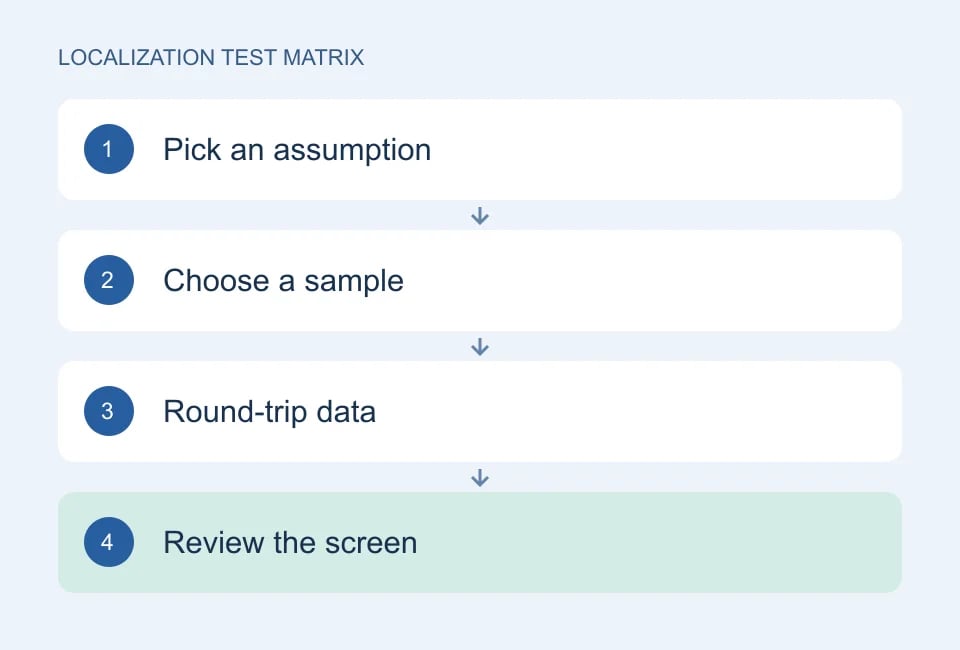
Choose cases by assumption
Build separate cases for different questions. One case can check an accented Latin name, another a non-Latin script, another a long address line. Include a right-to-left interface only if the product supports that interface, and check its actual language configuration. A generated name does not switch the entire application’s direction. Keep the reason for each row in the matrix so a future maintainer knows what would be lost by removing it.
Follow the full data path
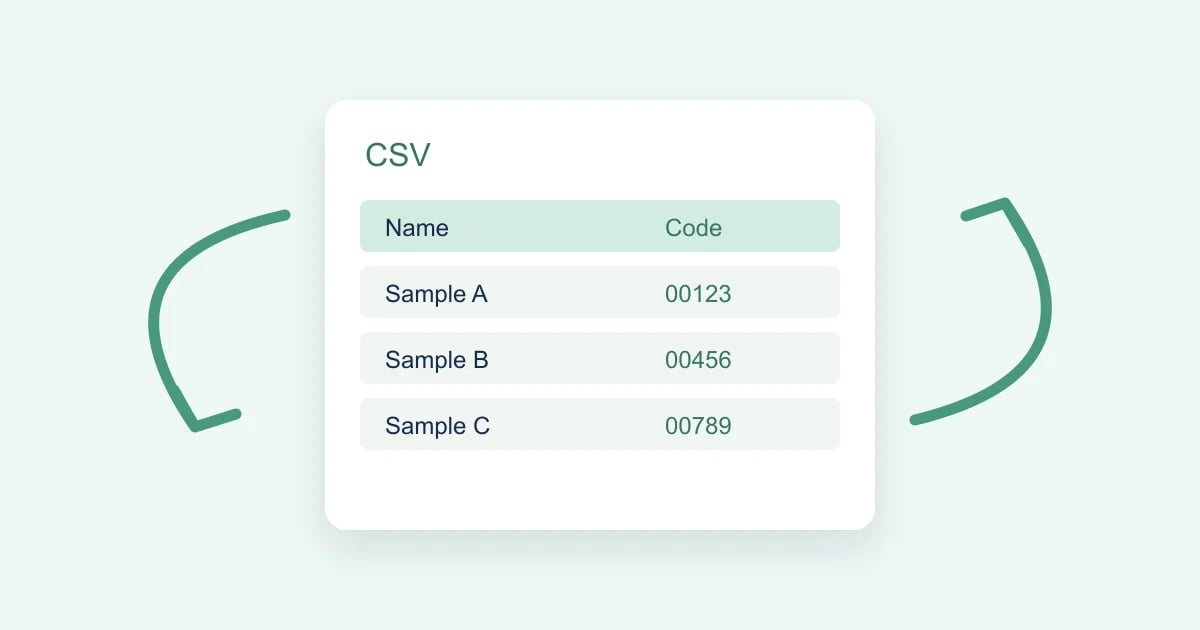
Test the full path of a value: input, validation, storage, response, display and export. A name that looks correct in a form can still become corrupted in a downloaded file. Compare the actual value after the round trip, not only its appearance. Avoid using a visual screenshot as the sole proof that all characters survived. Conversely, equal strings do not prove that the layout, font coverage or text direction is usable.
Challenge field requirements
Review field assumptions separately from country metadata. Does your form require a last name for every person? Does it demand a postal code even when your supported address model permits none? Is a phone input restricted to the length of one familiar national format? The W3C discussion of personal names is a useful reminder that a convenient database model is not a universal model of how people identify themselves.
Inspect narrow-screen states
Run the chosen cases at a narrow viewport as well as desktop width. Look at labels, validation messages, copy buttons and dropdowns with the longest sample visible. Open expanded sections instead of testing only the empty form. A translated error message can cause a layout defect even if every input value fits. Record which screen and state failed so the issue is not reduced to a vague “mobile localization problem.”
| Case | Question | Evidence |
|---|---|---|
| Accented text | Does the value survive a round trip? | Input and returned string |
| Long display name | Does the result wrap without hiding actions? | Narrow-screen screenshot |
| Non-Latin script | Are characters stored and rendered? | String comparison and visual check |
| Optional postal field | Does validation match the supported address model? | Expected and actual validation |
| Mixed-direction text | Are labels and values readable together? | Configured RTL interface review |
Choose each locale case for the assumption it can challenge.
Keep coverage claims specific
Genory’s locale data helps prepare samples, but it does not certify your product for a country or language. Address quality notes distinguish linked locality data from synthetic streets and incomplete postal coverage. Keep those notes with the fixture when they affect the test. If a generated sample is unsuitable for a particular validation rule, investigate that mismatch rather than assuming either the generator or your application is automatically correct.
Maintain the matrix as a small living set. Add a case when a real defect reveals a new assumption, and remove a duplicate only when another row exercises the same behavior. Ask a fluent reviewer to assess wording and cultural appropriateness where those matter. Passing storage and layout tests establishes technical evidence; it does not replace a human review of translation quality.
See W3C: Personal names around the world for naming assumptions. Use Genory coverage notes to interpret generated samples.
Keep the matrix actionable
For each case, write one storage assertion and one visual check. Record the font and browser when a rendering difference appears, because Unicode sequence support and device glyph support are separate questions. Keep fixtures synthetic and revisit the matrix as your supported locales and interface components change.
Continue with Genory tools, review documentation, or open your dashboard.