Emoji in software: test the sequence, not just the picture
Test emoji sequences, skin tones, flags and round trips while separating Unicode coverage from device font support.
One visible emoji is not always one character
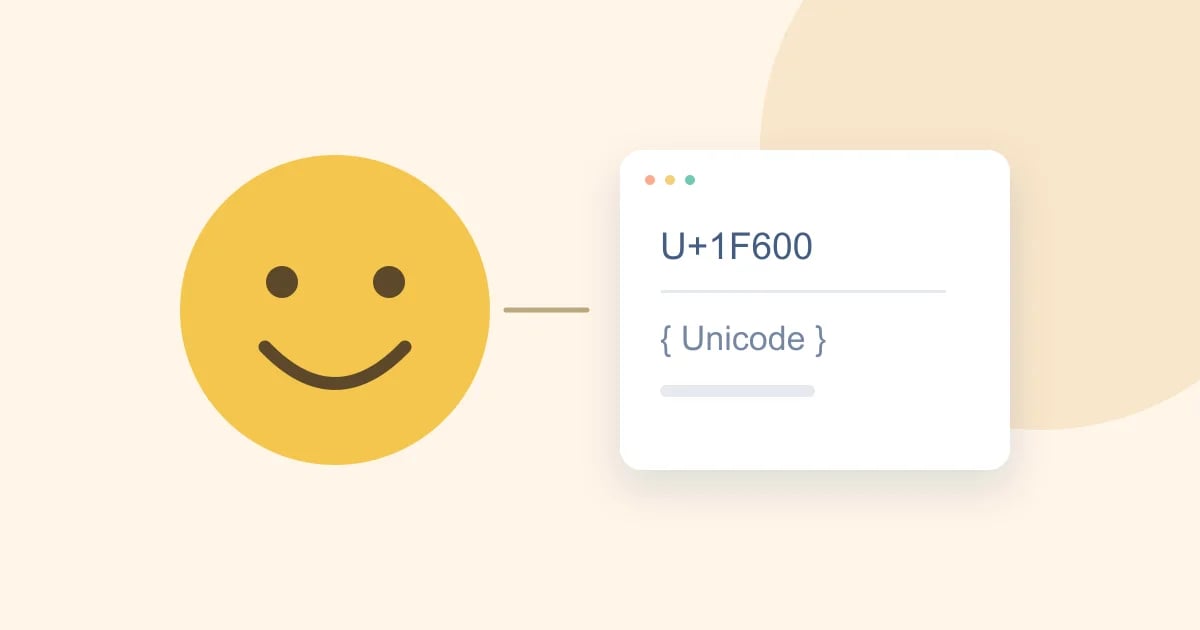
Emoji are a useful stress test for software because they expose the gap between what a person sees and what a program stores. A user may see one symbol while the underlying string contains multiple code points. Some sequences combine a base character with a presentation selector, a skin-tone modifier or a joining character. Counting visible symbols, code points and storage units can therefore produce different answers.
For developers, this is not merely a curiosity. It affects character limits, cursor movement, truncation, search and database storage. A messaging interface that cuts a string at an arbitrary position can split an intended emoji sequence. A form that reports an unexpected length can confuse someone who sees only a small number of symbols. Start by deciding what your interface means by “character.”
Test the complete text pipeline
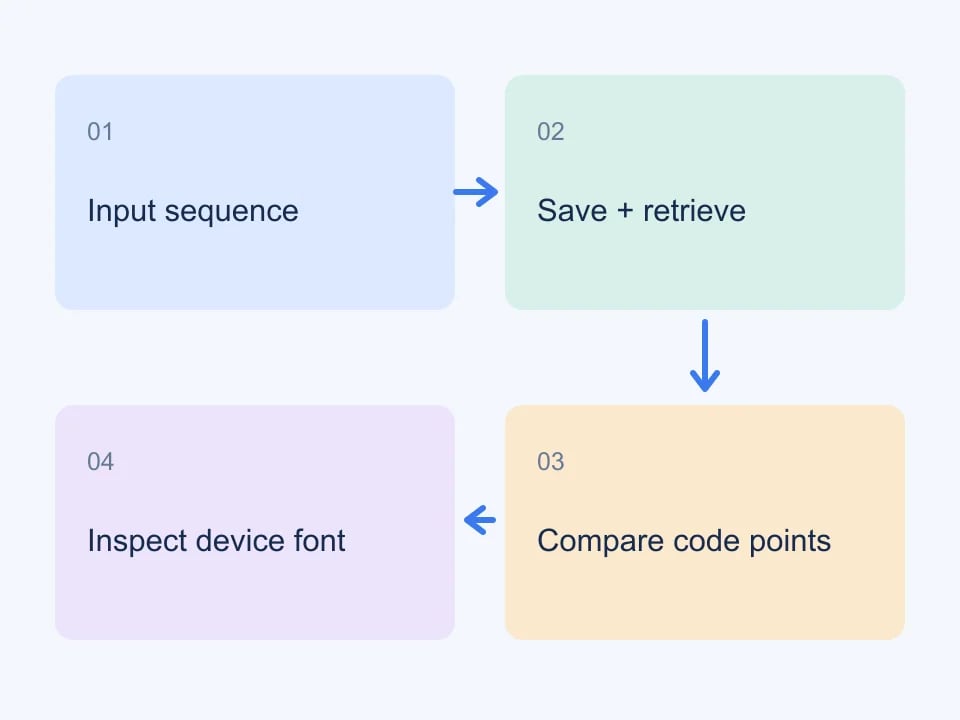
An emoji may travel through a browser input, a JSON request, application validation, a database column and a notification service before appearing on another screen. A successful copy into the first field does not prove that every later step preserves the sequence. Test the round trip: enter a known example, save it, retrieve it and compare the stored string with the original.
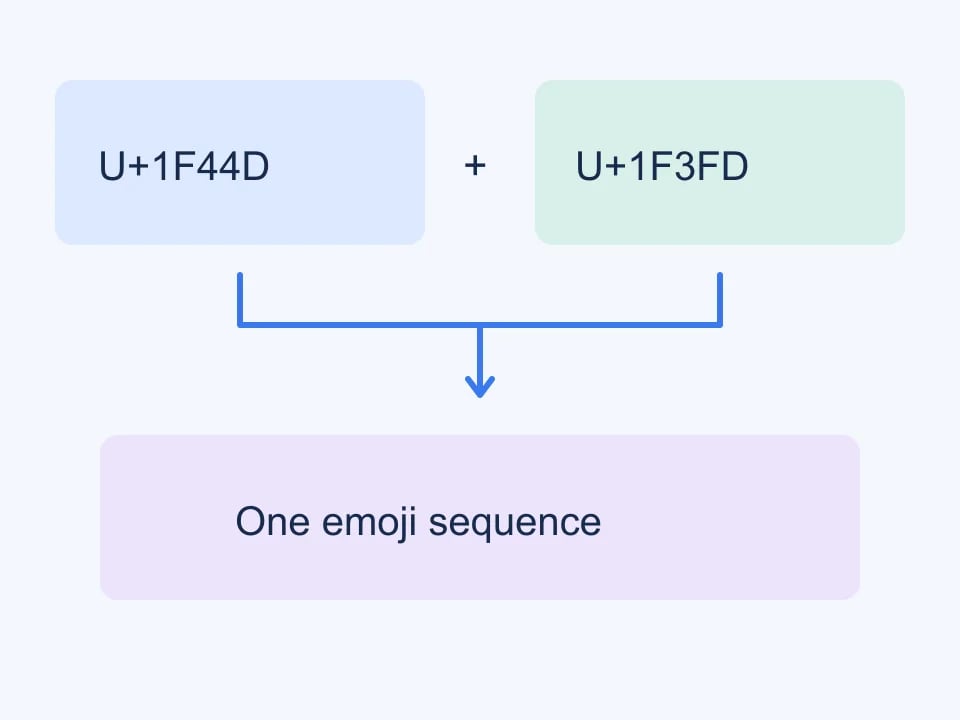
Include both simple emoji and sequences in the test set. A smiling face, a flag, a skin-tone variation and a joined family or profession symbol exercise different cases. The Genory Emoji Explorer lets you inspect the Unicode code points and HTML entities of a selected entry, making it easier to record exactly which sequence a test uses.
Use names as well as pictures
Screenshots are helpful, but they are not precise fixtures. A symbol can look different across operating systems, and an unsupported sequence may appear as separate pieces. Record the emoji's name and code points alongside the visible example. That gives another developer a reliable way to reproduce the test even if their machine uses a different font or does not display the newest design.
When filing a bug, describe what changed in the string. Did a modifier disappear? Was a joining character removed? Did the application preserve the code points but render them differently? These are different failures. Separating storage problems from rendering differences saves time and prevents a font limitation from being misdiagnosed as corrupted data.
What a complete emoji catalogue means
The Unicode emoji specification defines sequences and their properties; it does not provide one universal picture that every device must display identically. The Unicode Emoji specification explains the relationship between characters, sequences and presentation. A catalogue should identify the data snapshot it uses rather than claiming to include every custom sticker or platform-specific reaction.
Genory's current snapshot is labelled Emoji 18.0 and contains 3,963 fully qualified sequences plus nine components. The explorer makes the entire catalogue reachable through page navigation. Alternate encodings of the same emoji are not duplicated as separate visual entries. Custom artwork used by a particular community or messaging service is outside that Unicode catalogue.
Complete data coverage and complete font support are different things.
Search with the right level of detail
Searching by a familiar name is often the quickest way to find an example. If the name is ambiguous, use a code point or paste the emoji itself. Category filters narrow the set, while a skin-tone filter helps locate variations that might otherwise be buried among many similar-looking entries. Clear filters when a search seems unexpectedly empty; a valid term can still conflict with the selected category.
For accessibility testing, do not assume the visual symbol communicates the same meaning to everyone. Give icon-only actions a useful accessible name. A copy button should announce what it copies, and its success message should be available to assistive technology. The label belongs to the action, while the emoji's descriptive name helps identify the selected data.
Keep skin-tone tests explicit
Skin-tone modifiers are useful for checking that your pipeline preserves sequences rather than simplifying them. Test a default presentation and at least one modified variant. For joined sequences involving multiple people, inspect the full code-point list instead of assuming there is only one modifier. A filter can help locate examples, but your test should keep the exact selected sequence.
Avoid treating a user's chosen emoji as reliable demographic information. A symbol in a message or profile does not establish a person's identity or characteristics. For a development fixture, the relevant question is usually whether the application preserves and presents the text correctly. Keep the test focused on that behaviour.
Truncation should respect what users perceive
Consider a compact notification preview that displays only a short prefix. Cutting at a fixed storage-unit index can split a sequence or leave an isolated component. Use a segmentation approach appropriate to your runtime and test the resulting boundaries. Then inspect the actual rendering on the devices you support. Correct string handling and good visual presentation are related, but they require separate checks.
Also test selection and deletion. Pressing backspace in a native input may behave differently from a custom editor. A content-editable component, mobile keyboard and desktop browser can expose different edge cases. Include these interactions in manual testing when emoji are central to the product, particularly for messaging, comments or rich-text editing.
Plan for version differences
A newly added sequence may render correctly on one device and as a box on another. Explain that limitation where it matters, and avoid promising a particular appearance when the application relies on system fonts. If you choose to ship an image-based emoji renderer, evaluate its licensing, update schedule, accessibility and loading cost as a separate product decision.
For ordinary form and storage testing, preserving the correct sequence is the first priority. A developer on an older operating system can still copy a newer entry and inspect its code points even when the picture is unavailable. Keep screenshots from several supported environments when a visual regression is important, rather than treating one machine's rendering as the only acceptable result.
Make a small reusable Unicode test set
Collect a handful of examples with distinct properties and store them alongside expected round-trip results. Include plain text before and after each emoji so you can detect accidental trimming or joining. Exercise search, export and re-import, not just initial entry. The same fixtures can reveal problems in CSV downloads, JSON serialization and notification templates.
Finish each test by distinguishing the result you observed: the text was preserved, the intended sequence remained intact, and the target device rendered it acceptably. That vocabulary makes bug reports actionable. Emoji then become more than decoration; they become a practical way to check whether your application handles international text with the care its users expect.
| Boundary | Check |
|---|---|
| Input | Sequence stays intact |
| Storage | Unicode survives a round trip |
| Layout | Text does not clip |
| Rendering | Device font supports the sequence |